




BC Poker App – Full-Feature Mobile Client for iOS and Android
The BC Poker app launched in November 2025 with the mobile client as its primary interface. It covers cash games across 12 stake levels, the full MTT schedule, Spin & Go, deposits, withdrawals, KYC, and VIP tracking for Android 6.0+ and iOS 13.0+. Register through the mobile client, complete KYC, and collect a $5 BCD no-deposit bonus plus up to $200 on your first deposit – the total welcome package reaches $335.
Why Download BC Poker Instead of Playing in a Browser
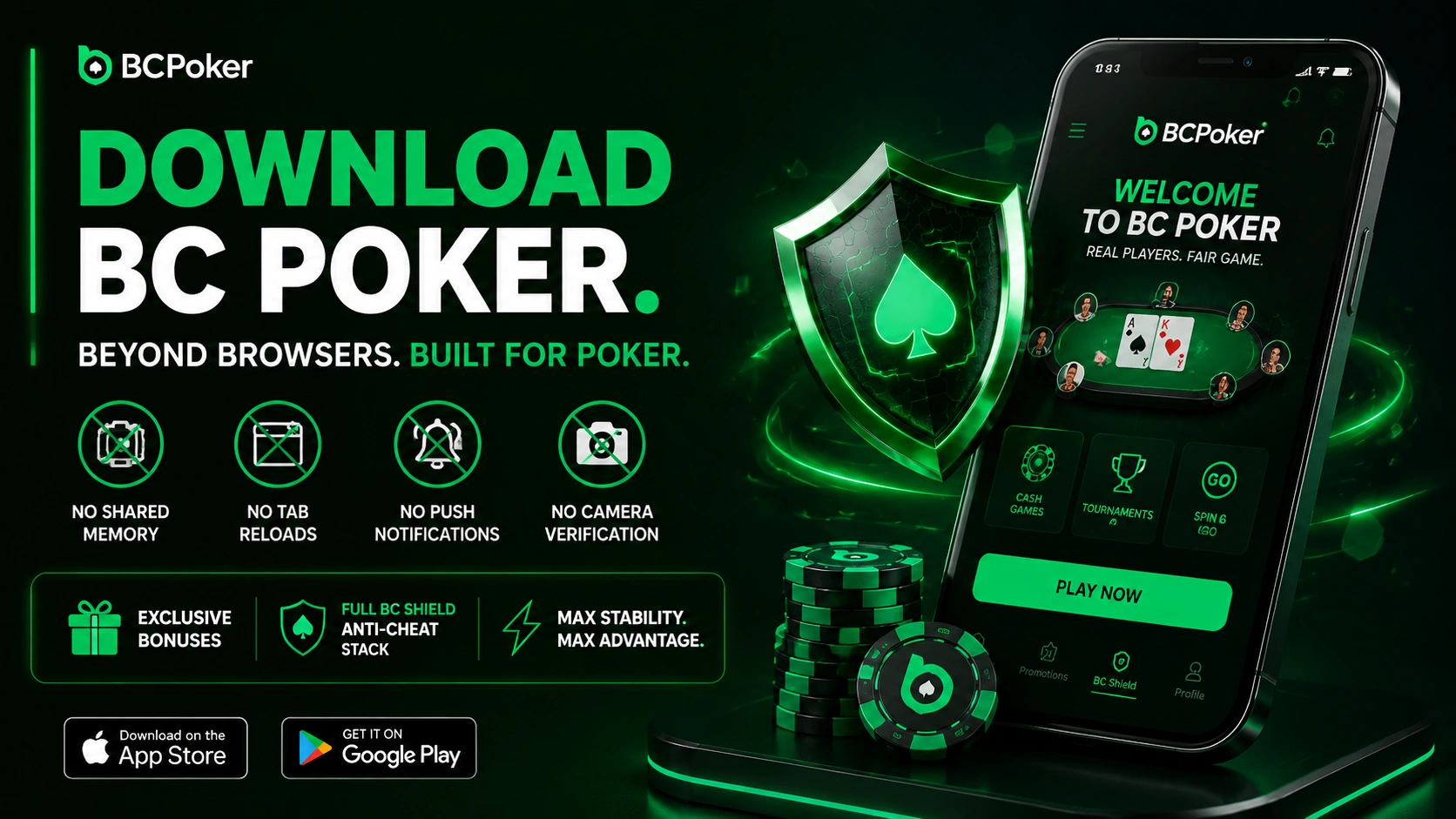
Download BC Poker to get past the hard constraints every browser imposes: shared memory, tab reloads, no push notifications, and no camera-based verification. Beyond stability, the mobile client is the only route to exclusive bonuses and the full BC Shield anti-cheat stack that no browser environment supports.
Push Notifications for Tournament Blinds, Prize Drops, and Promotions
The BC Poker download enables push alerts for tournament blind-level changes, Cash Rain windows (08:00–09:59 UTC and 19:00–20:59 UTC daily), Lucky Drop Party triggers (09:00–10:59 UTC and 15:00–16:59 UTC daily), and freeroll password drops. Cash Rain adds $3,000+ per day across active NLHE tables by placing 10 Big Blinds into live pots each window, while Lucky Drop distributes up to $2,000 per event to every user at a qualifying table at the moment of trigger. No browser tab can replicate these alerts when backgrounded or screen-locked – native OS push delivery covers all of them.
Faster Load Times, Stable Sessions, and No Browser Memory Conflicts
The BCPoker app runs in dedicated OS memory with no tab competition, so sessions persist when the user switches to another application and returns. Mobile browsers share memory across all open tabs, and on mid-range Android devices this regularly causes page reloads that force a full lobby reconnection mid-session. Spin & Go grinders averaging 5–10 minutes per game are most exposed to this risk, since a forced refresh mid-spin means a lost entry. The mobile poker client also bypasses cross-origin restrictions that can delay real-time table data on slower connections.
Pre-Install Checklist: Device, Browser and Account
A few minutes of preparation prevent most of the problems players run into during setup. Before you tap the download button, go through the points below.
- Operating system: the client requires Android 6.0 or newer, or iOS 13.0 or newer on iPhone and iPad.
- Browser: for the APK route, any mobile browser works. Just make sure you can allow installs from unknown sources for that specific browser.
- Registration inside the app: create your account in the mobile client, not in a browser. Accounts registered in a browser cannot claim the no-deposit bonus or the 7-day welcome missions, even if the app is installed later.
- Camera access: liveness verification and KYC rely on the camera, so keep it available for the app.
- Notifications: leave push alerts switched on if you want reminders for Cash Rain and Lucky Drop Party windows.
How to Complete BC Poker App Download on Android via APK
The BC Poker app download is available via the Google Play Store or as an APK from the official website – both carry the same developer certificate and are functionally identical. Android 6.0 is the minimum OS version required, with no additional runtime permissions beyond a standard installation needed.
To install the BC Poker app download via APK on Android:
- Open the official BCPoker website in any mobile browser and go to the Download section.
- Tap the Android APK button – the file saves automatically to your Downloads folder.
- Open device Settings, go to Security or Apps, and enable “Install from unknown sources” for your browser.
- Open the APK from your file manager or the browser download notification.
- Tap Install, then open BCPoker and sign in or create a new account.
Account data, balance, VIP progress, and transaction history are server-side and load immediately on first login.
BC Poker Download on iOS – App Store and Alternative Install Methods
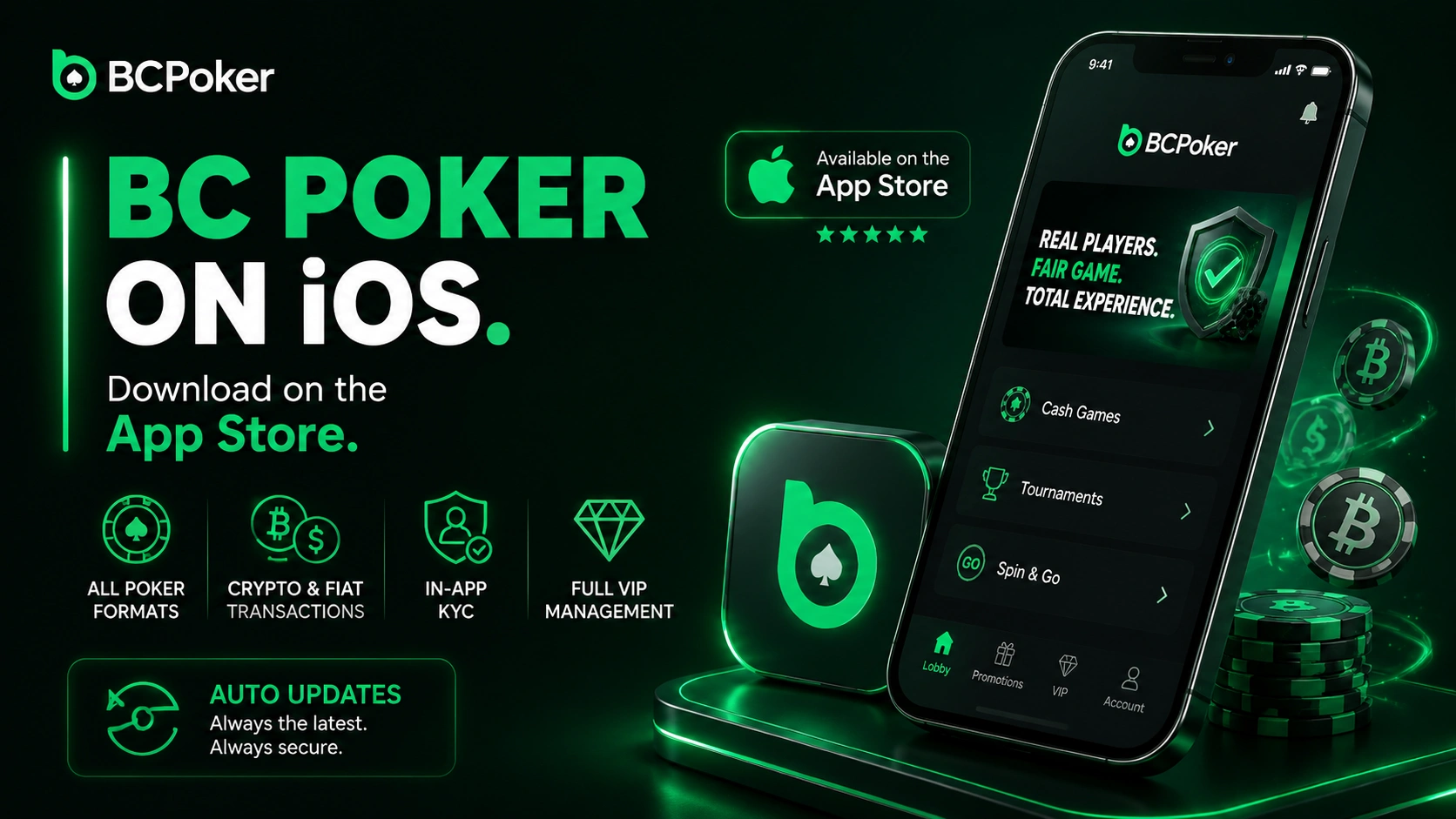
The BC Poker download for iOS is available on the Apple App Store under the name “BCPoker.” The client supports iPhone and iPad on iOS 13.0+ and covers all poker formats, crypto and fiat transactions, in-app KYC, and full VIP management. Updates arrive automatically through the App Store without any manual action from the user.
Safari Web Clip Method – Adding BCPoker to Home Screen as a PWA
This BC Poker app download alternative uses Safari on iOS to add BCPoker as a Progressive Web App shortcut without the App Store. Open the BCPoker website in Safari, tap Share, select “Add to Home Screen,” and confirm. The icon opens BCPoker in a full-screen frame that closely replicates the native client experience without occupying app storage. The process completes in under 30 seconds, though push notifications require the native App Store build.
App Store or Safari Shortcut: Choosing Your iOS Route
Both iOS options give access to the same poker lobby, but they behave differently in everyday use. The comparison below helps you pick the one that fits your habits.
| Feature | 🍏 App Store version | 🌐 Safari home-screen shortcut |
|---|---|---|
| 📲 Setup | Install from the App Store under the name “BCPoker” | Add to Home Screen from Safari, done in under 30 seconds |
| 🔔 Push notifications | ✅ Supported | ❌ Not available |
| 🔄 Updates | ⚡ Arrive automatically through the App Store | 🌍 Follow the website version |
| 💾 Storage | Occupies app storage | Takes no app storage |
| 🖥️ Experience | Full native client | Full-screen frame that closely mirrors the native client |
Players who rely on tournament blind alerts or promotion reminders should choose the App Store build, while the shortcut suits anyone who wants a quick setup and does not need notifications.
App-Exclusive Features Not Available in the Desktop Client
The BC Poker app restricts several features to the mobile client by design: promotional eligibility rules require verified app registration, and camera-based verification has no browser equivalent. Users who register only in a browser permanently lose access to the no-deposit bonus and the 7-day welcome missions. Registering in a browser and downloading the app later does not unlock these bonuses retroactively – both require the original account creation to happen inside the mobile client.
| App-Exclusive Feature | Specifics |
| No-deposit bonus | $5 BCD after app KYC – 10x poker rake or 50x casino wagers to convert, no cashout cap |
| 7-Day Welcome Missions total | Up to $130 – $120 real cash, $10 BCD, no playthrough on cash portion |
| Mission milestone: 10 pts | $2 real cash |
| Mission milestone: 20 pts | $8 real cash |
| Mission milestone: 65 pts | $20 real cash |
| Mission milestone: 100 pts | $100 real cash |
| Liveness Verification (BC Shield Layer 3) | 3D facial check at table entry, biometric data discarded after each check |
| Biometric login | Face ID / fingerprint – no browser support |
7-Day Welcome Missions and $5 BCD No-Deposit Bonus – App Registration Only
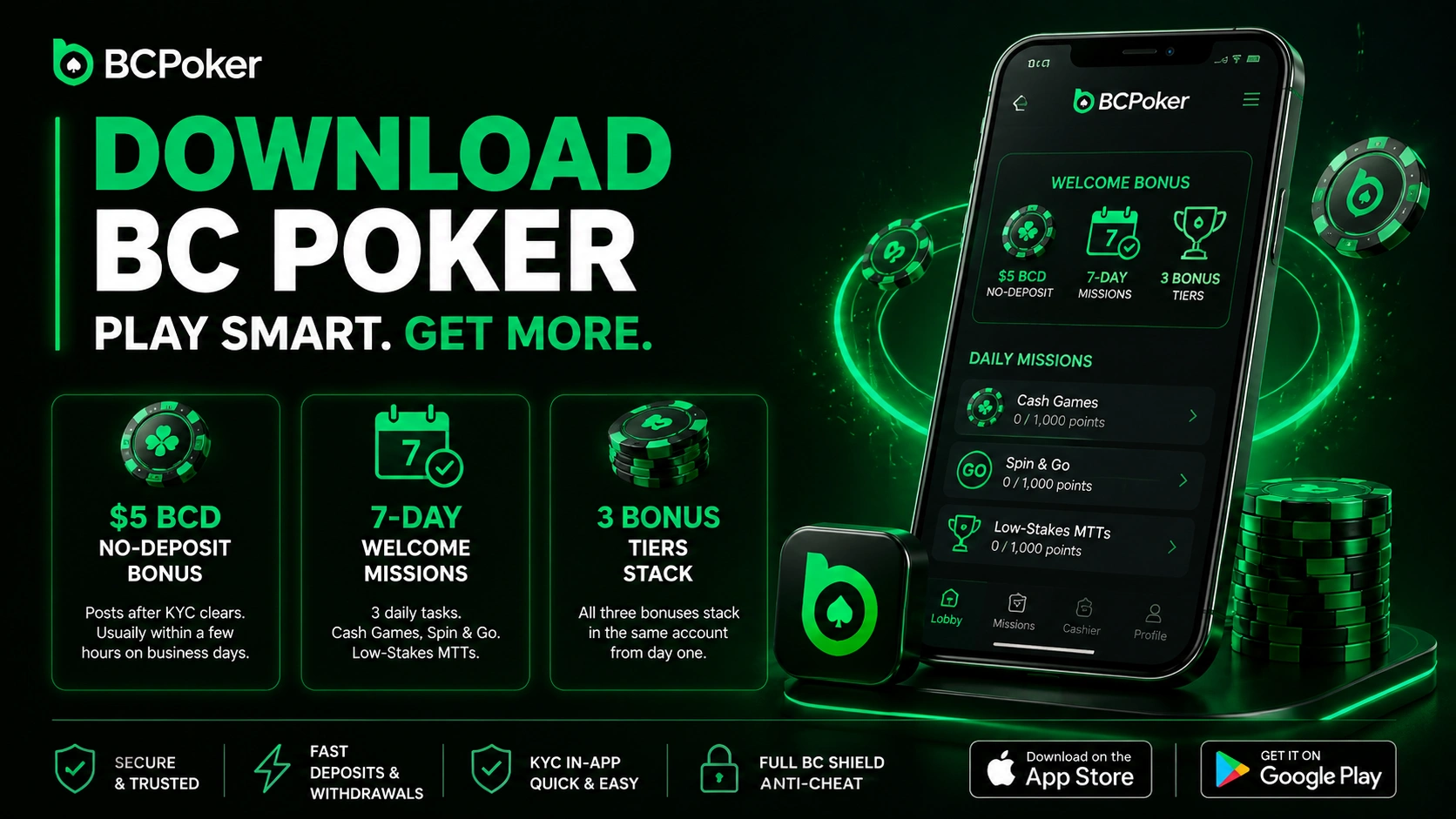
Download BC Poker and register through the mobile client to activate both bonuses: the $5 BCD no-deposit credit posts after KYC clears, typically within a few hours on business days. The 7-Day Welcome Missions start automatically on registration day with three daily tasks tied to cash games, Spin & Go, and low-stakes MTTs. Missing one day forfeits only that day’s points without cancelling the remaining six, and all three bonus tiers stack within the same account from the first session.
Liveness Verification for Table Entry – How It Works on Mobile Devices
The BCPoker app runs a 3D facial scan every time a user sits at a cash table, confirming live human presence as Layer 3 of BC Shield – BCPoker’s six-tier anti-cheat system. The scan targets bot accounts that pass standard credential checks but cannot replicate physical presence. No facial data is stored after the check resolves, and the layer has no desktop equivalent because standard browsers do not support the camera-access model the verification stack requires.
Multi-Tabling and Interface Layout in the BCPoker App
The BC Poker app download unlocks up to four simultaneous tables on mobile, covering every real money poker format on the platform. Tab indicators at the top of the screen show the active game type and status for each open session. All primary action controls sit in the lower third of the display for single-hand thumb use, consistent across both tile and stack view modes.
Up to Four Simultaneous Tables – Tile and Stack Display Options
The BC Poker download supports mixed-format multi-tabling: a cash game, a tournament, and two Spin & Go sessions run in parallel within the four-table ceiling. Tile view scales all open sessions into one screen so users track board textures and opponent moves across every active hand at once. Stack view keeps one session full-screen while tab indicators flag the others, with a single tap switching the primary display. Stack sizes show in chips or big blinds per table, switchable mid-session from the in-table settings panel.
| Multi-Table Setting | Details in BCPoker App |
| Rake tracking | Real-time across all active tables simultaneously |
| VIP point accumulation | Simultaneous across all open tables |
| Monthly rakeback payout dates | 7th, 14th, 21st, 28th of each month |
| Instant rakeback on level-up | Credited automatically at promotion |
| All-in Insurance | Cash tables at turn and river only – unavailable in Spin & Go |
| Bomb Pot mode | Activatable per individual cash table in lobby settings |
Touch-Optimized Bet Sizing, Auto-Rebuy, and Table Customization Settings
The BC Poker app preset panel covers pot fractions, fixed raise multiples, and custom big blind amounts – all adjustable mid-hand without interrupting the action timer. Auto Top-Up fires per table the moment the stack drops below a user-defined level, with each open session carrying its own separate threshold. The BC Poker app also includes felt backgrounds, card back designs, four-color deck mode, chip shuffle animation, and Turbo Mode, plus the in-table stats panel showing each opponent’s VPIP and PFR from the last 30 days as a built-in alternative to third-party HUD software.